
Access Control Systems
Access Control – Card Entry Systems
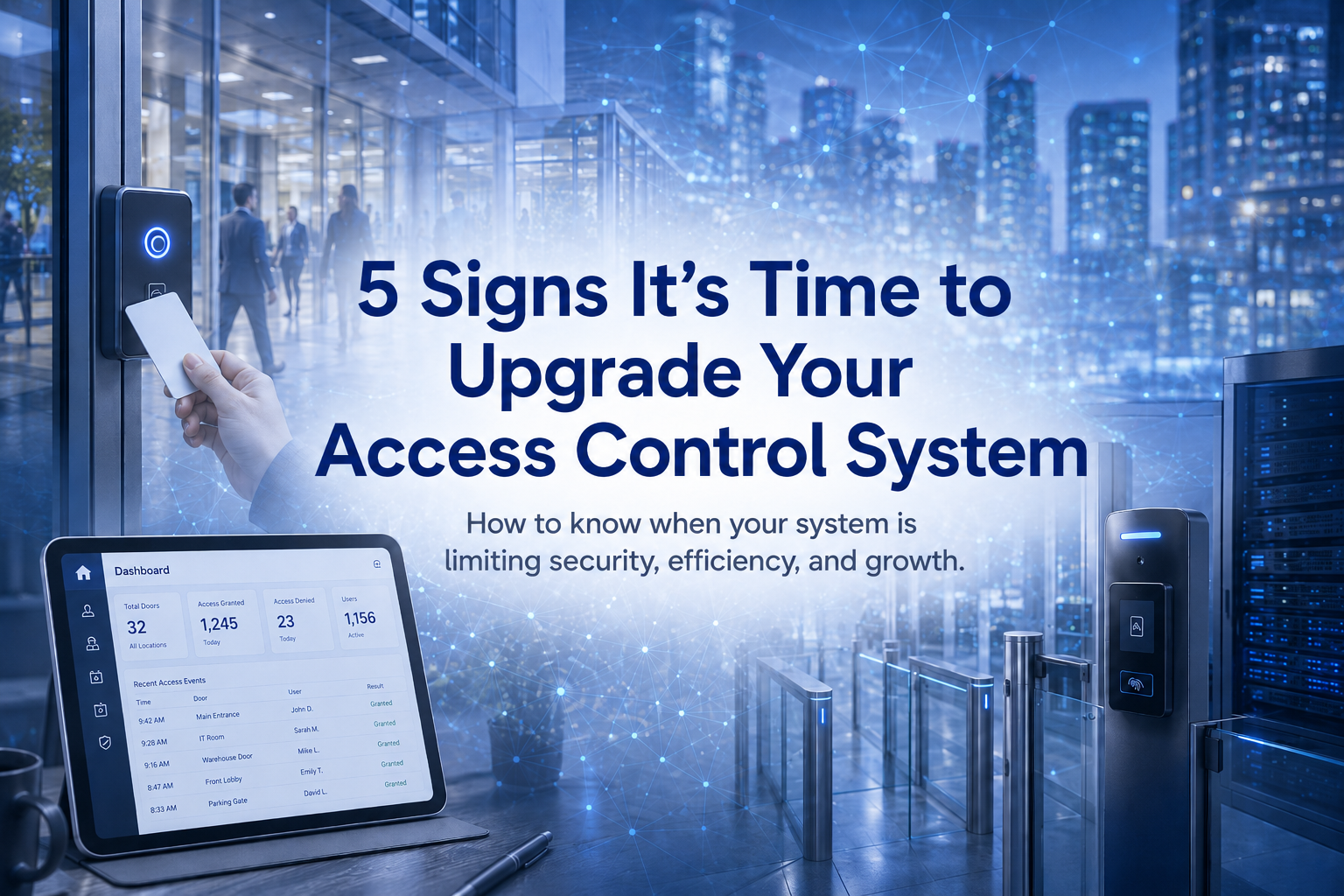
Access control systems are used to restrict and track users, these systems are used to protect key areas and limit users based on door, time, and days.
In some instances these systems are nothing more then a replacement to the hard key eliminating the need to constantly re-key a building after an employee or tenant leaves. In other cases they are one part of a comprehensive security program.
History
Access control systems emerged in the 1980’s as a means of electronically controlling and tracking entry into a building. These Host based systems, VAX or Unix type systems used video terminals that were very expensive and cumbersome to use. They were limited in the controls and reporting capabilities. These systems were typically employed by the government and larger companies.
Starting in the 1990’s Windows based PCs, client server environment, allowed these systems to evolve and be more user friendly, at the same time the costs came down substantially. These systems grew in popularity with large and small companies, property managers, buildings owners, and government entities employing them.
Today the PC based systems continue to be very popular as well as browser based systems have emerged. The browser based systems allow more flexibility than the PC based systems and are more easily deployed throughout an entire organization.
Typical Components:
- PC or Web Browser Software
- Access Control Panel(s)
- Power Supplies (access control panel & door hardware)
- Card Readers and Cards
- Electronic Door Hardware
- Cabling
Software:
Each access control manufacturer develops their own software, some run on Windows, some are Linux based, with very few being Mac compatible. It is wise to review the software of the system you are considering to deploy to make sure it is user friendly and has the features you would like as well as the capabilities to expand.
Access Control Panels:
Depending on the system being deployed the control panels can typically handle anywhere from 1-14 readers. Our cost effective system can control 1-2 readers per panel. Our mid grade PC based system can control 2, 4, 6, 8, 10, or 12 readers from one control panel. Our browser based system can control 2, 4, 6, 8, 10, 12, or 14 readers from one control panel. All our systems can be expanded to control hundreds to thousands of doors and readers.
Proximity Technology:
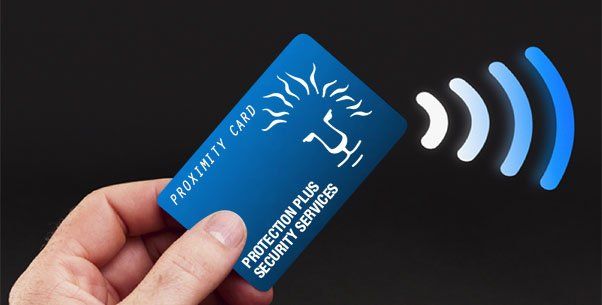
This is the most popular reader technology. With proximity technology a proximity card is presented within a 2”-4” read range of the card reader. The reader will be beep and the LED on the reader will change colors to indicate the card has been read. If the card is authorized the door will unlock.
Costs:
Typical per door cost is $2,500 - $3,000. This includes all the necessary components and labor to install. This average cost is based on a system with a minimum of four or more doors with no special electronic door hardware needs.
Electronic Door Hardware – The Real Cost Variable
The overall system costs will be greatly impacted by the type of door hardware required to control the doors. The cost estimates given above are for electric locksets, electric mortise lock bodies, electric strikes, and electrifying of Von Duprin 33 or 99 series crash bars.
Specialty electronic hardware or complete replacement of existing vertical rod crash bars will drive these costs much higher. I have seen instances where equipping doors with the correct electronic hardware have run $5,000 - $10,000 for just the hardware.
System Integration
One of the real powers of the browser based system (S2 Security) is the ability to seamlessly integrate with video surveillance (digital video recorders, network video recorders, and network cameras), photo identification management, and intrusion alarm systems. The S2 Security system provides features and functionalities that were previously only available to large system users at an affordable level.
For more information on the products offered by Protection Plus Security Services see our website www.protectionplussecurity.com